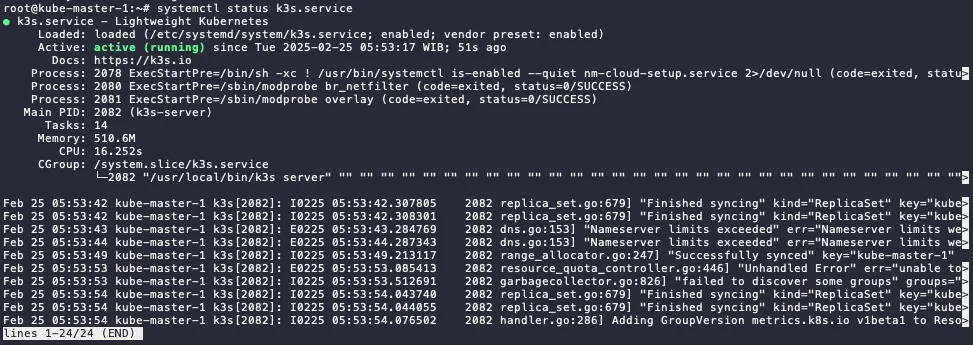
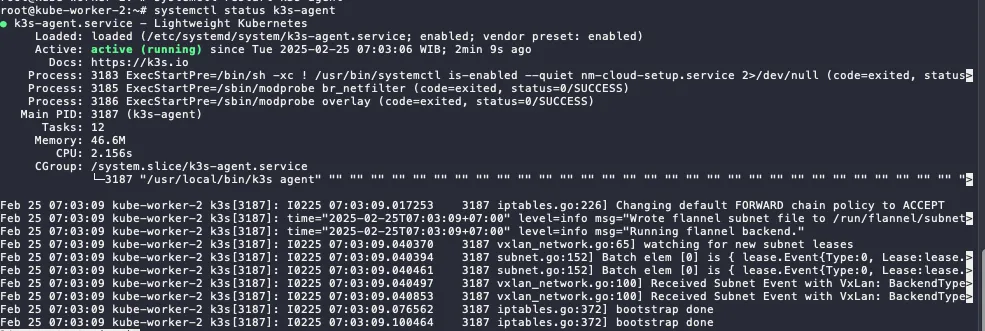
Check kubectl command in master node. Now, it will display more than 1 node (which is the includes all the installed worker nodes).
kubectl get node
⚠️ If you stuck in when starting k3s-agent. Make sure worker node and master node can be connecting. it could be firewall, proxy server, or incorrect/mismatched MTU. Script below can be use for check the connectivity.
curl -ks https://ipaddress:6443/ping
Install and Configure services in the Master Node
Because we disable some service in the master node. Now we are going to install it the replacement services.
HELM - Package Manager Installation
Install Helm using script below (the latest script can be seen on the Helm docs):
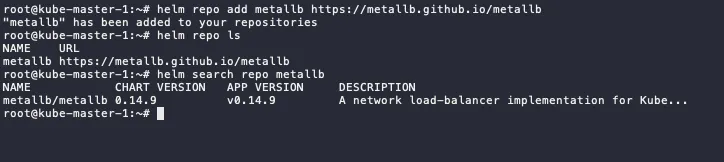
MetalLB - Load Balancer Installation and Configuration
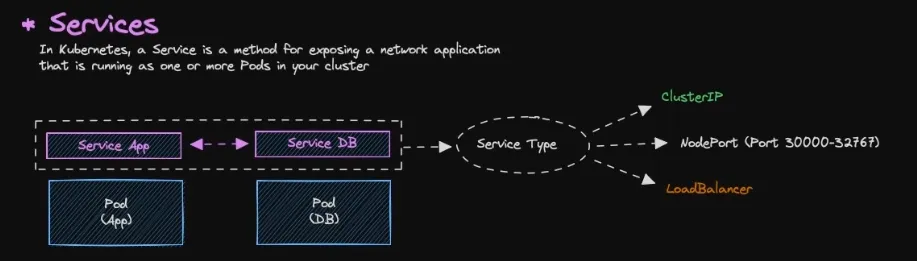
Services
As default, all resources in Kubernetes are isolated, specifically pods.
Pods are isolated by default. To enable communication between pods or with the external network, you need to configure Services.
There are several type of service:
ClusterIP → Default services, ClusterIP services provide an internal IP address within the cluster that other pods can use to communicate. They are not directly accessible from outside the cluster.
NodePort (Port 30000-32767) → NodePort services expose a port on each node in the cluster, allowing external access. The port range 30000-32767 is the default range.
LoadBalancer → LoadBalancer services provision an external load balancer that distributes traffic to multiple pods.
Pull the nginx-ingress from the repository, it will download tgz file.
# run this in the home dir or other directoryhelm pull nginx-stable/nginx-ingress# extract the tgztar xvf nginx-ingress-*
Change directory to nginx-ingress and edit values.yaml file.
cd nginx-ingress# edit values.yamlvim values.yaml# locate ingressClass and change the variable below to true...ingressClass:... setAsDefaultIngress: true...
Search the nginx, we will use bitnami/nginx for the webserver nginx
helm search repo nginx
Pull the nginx from the repository, it will download tgz file.
# run this in the home dir or other directoryhelm pull bitnami/nginx# extract the tgztar xvf nginx-* #make sure the nginx not nginx-ingress
Change directory to metallb and edit values.yaml file.
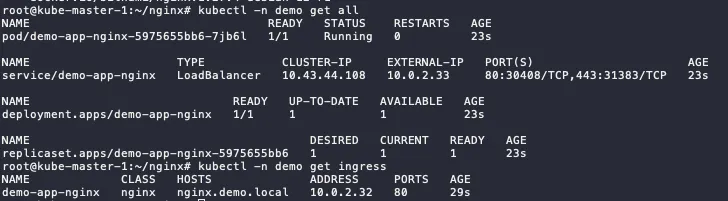
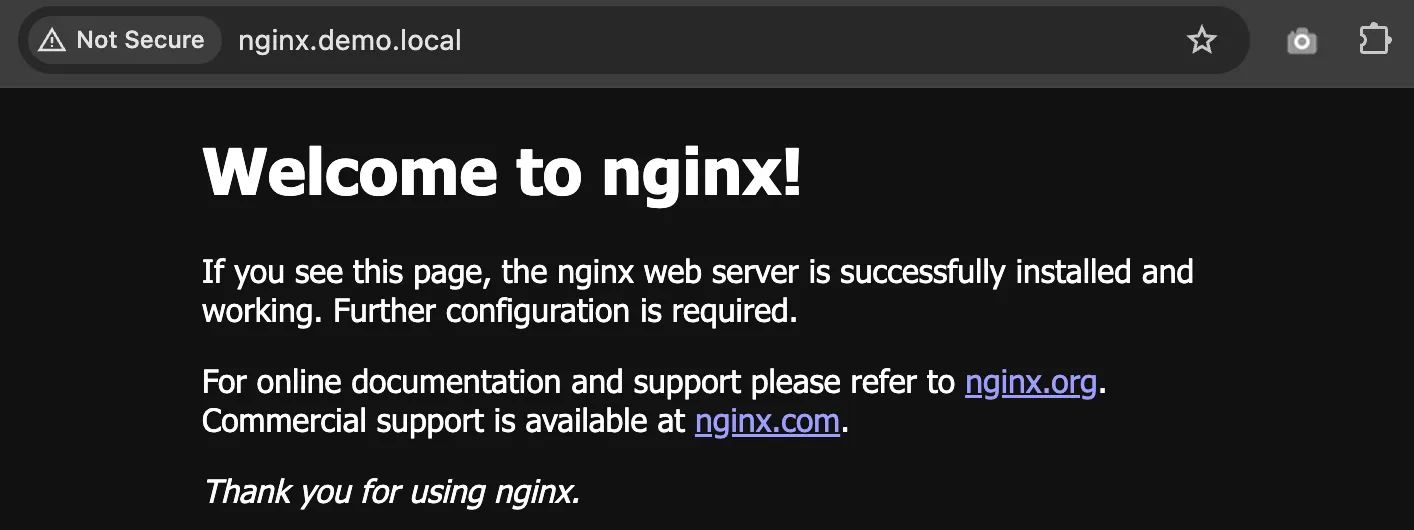
cd nginx# editvim values.yaml#locate these variables...ingress: enabled: true ... hostname: nginx.demo.local # make sure this FQDN is pointing to the ingress IP ... ingressClassName: "nginx" # check using `kubectl get ingressclass`...